
Building an AI Customer Support Agent with Memory
I built an AI customer support agent that remembers users — short-term history, long-term facts, and knowing when to hand off to a human.
Zeeshan Zakir
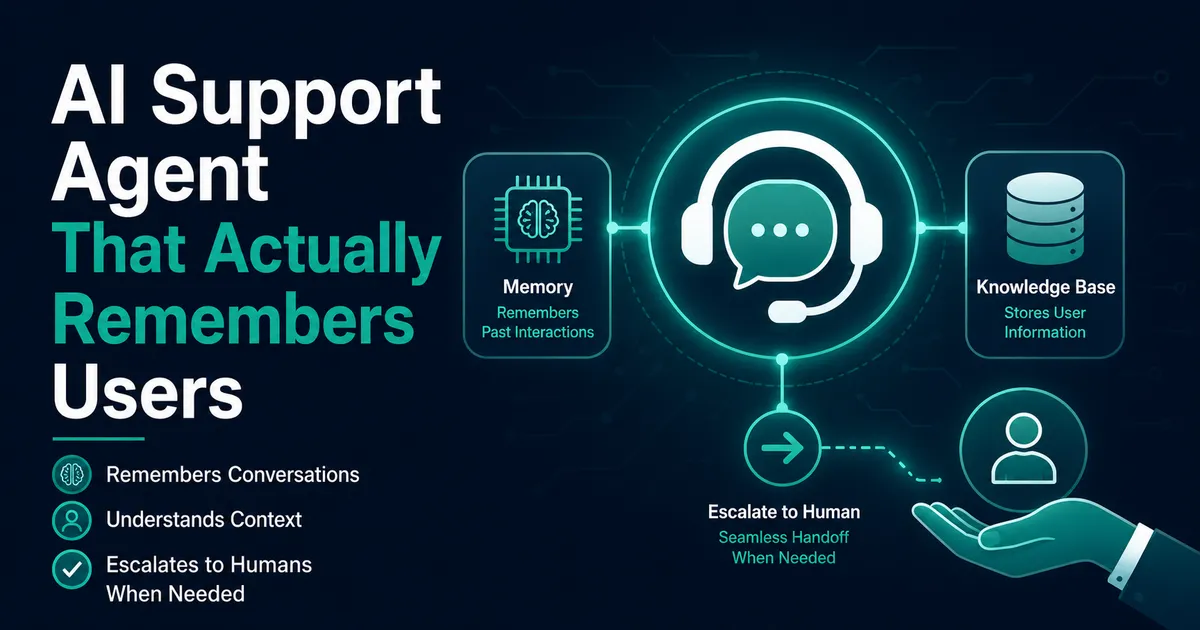
The third time a user explained their entire setup to my support chat from scratch — same user, third conversation, same details — I felt genuinely embarrassed. My AI customer support agent was polite, fast, and had the memory of a goldfish. Every conversation started at zero. "Hi, I'm on the Pro plan, I use the API, my timezone is..." Again. And again.
Fixing that turned into the most interesting build of my year: an AI customer support agent with actual memory. Here's the architecture, the code shape, and the two failures that taught me the most.
The two kinds of memory (and why you need both)
It took me embarrassingly long to realize "memory" is two different problems:
Short-term memory is the current conversation — the model needs to see previous messages in this chat, or a follow-up like "and how do I cancel that?" makes no sense. This is just conversation history, and every chatbot has it.
Long-term memory is what makes the agent feel like it knows the customer: their plan, their stack, what they struggled with last month. This does not come free. It has to be extracted, stored, and re-injected — and this is the part most support bots skip, which is why they all feel like the movie Memento.
The architecture at a glance
Every incoming message triggers this assembly:
System prompt = base instructions + policies
              + long-term facts about THIS user   ← from Postgres
              + relevant help-doc snippets        ← retrieval
Messages     = recent conversation history        ← short-term
The model sees a prompt that already knows who it's talking to. Then, after conversations end, a background step updates the long-term store. Two loops: the fast one that answers, the slow one that remembers.
Short-term memory: cheaper than you think, until it isn't
Version one sent the entire conversation history every turn. Works great for a five-message chat; by message forty (real users write novels), each reply was dragging a huge context along — slow and needlessly expensive.
The fix is boring and effective: keep the last ~10 messages verbatim, and maintain a running summary of everything older. When the conversation grows past the window, a cheap model call folds the oldest messages into the summary:
const summaryPrompt = `Update this support conversation summary with the new messages.
Keep: the user's issue, what was tried, current status. Max 150 words.

Current summary: ${summary}
New messages: ${oldestMessages}`;
The summary rides along at the top of the history. Users never notice; the bill did.
Long-term memory: extract facts, not transcripts
My first instinct was to store whole conversations and search them later. Wrong twice over — transcripts are noisy ("thanks!! 🙏" is not knowledge), and keeping full support conversations forever is a privacy liability you shouldn't want.
What works is fact extraction. After a conversation closes, one model call pulls out durable facts:
const extraction = `From this support conversation, extract facts worth
remembering about the user for future support. Only stable, useful facts
(plan, integrations, environment, recurring issues). Ignore pleasantries.
Return JSON: [{ "fact": "...", "category": "plan|stack|issue|preference" }]`;
Results land in a user_facts table (user_id, fact, category, updated_at) — with row level security, since this is exactly the kind of table that must never leak across users. Next conversation, those facts are three lines in the system prompt: "Known about this user: Pro plan. Uses the webhook integration with Next.js. Had recurring timeout issues in March."
The first time a returning user typed "it's happening again" and the agent responded referencing their March timeout issue without being told — that was the goldfish funeral.
The escalation rule that saved the whole project
Early on, a user asked about a refund edge case. The agent answered — confidently, helpfully, and wrong. It invented a policy detail. Nothing in its instructions covered that case, so it improvised, because that's what these models do when cornered.
Two changes fixed it. First, hard grounding in the system prompt: "Answer policy questions ONLY from the provided policy text. If it isn't covered there, say so and escalate." Second, escalation became a first-class tool, not a failure state:
{
  type: 'function',
  name: 'escalate_to_human',
  description: 'Hand off to a human agent. Use when the user is frustrated,
  asks for a person, discusses refunds/billing disputes, or the answer is
  not clearly covered by the provided documentation.',
  parameters: { /* reason, conversation summary */ }
}
The counterintuitive lesson: making the agent more willing to give up made users trust it more. Roughly a fifth of conversations escalate, and those arrive at my inbox with a summary already written — which honestly is half the value of the whole system.
What it changed
Most support questions were always the same six things; the agent now clears those instantly, at any hour, remembering who it's talking to. The humans (me) get the fifth of cases that deserve a human, pre-summarized. And the fact-extraction table turned into an accidental product-research goldmine — grouping facts by category showed me which integration confuses people most.
If you build one, build it in this order: history first, summaries second, fact extraction third, escalation from day one. And let it say "I don't know, let me get a person" — the phrase your least honest competitor's bot refuses to learn.
Need help building this?
I offer full-stack development services for startups and product teams.
If you want a faster path from idea to shipped product, I can help with architecture, frontend systems, backend APIs, and launch-ready builds.
View ServicesShare this post
Related posts
More practical reading from the blog to keep your momentum going.
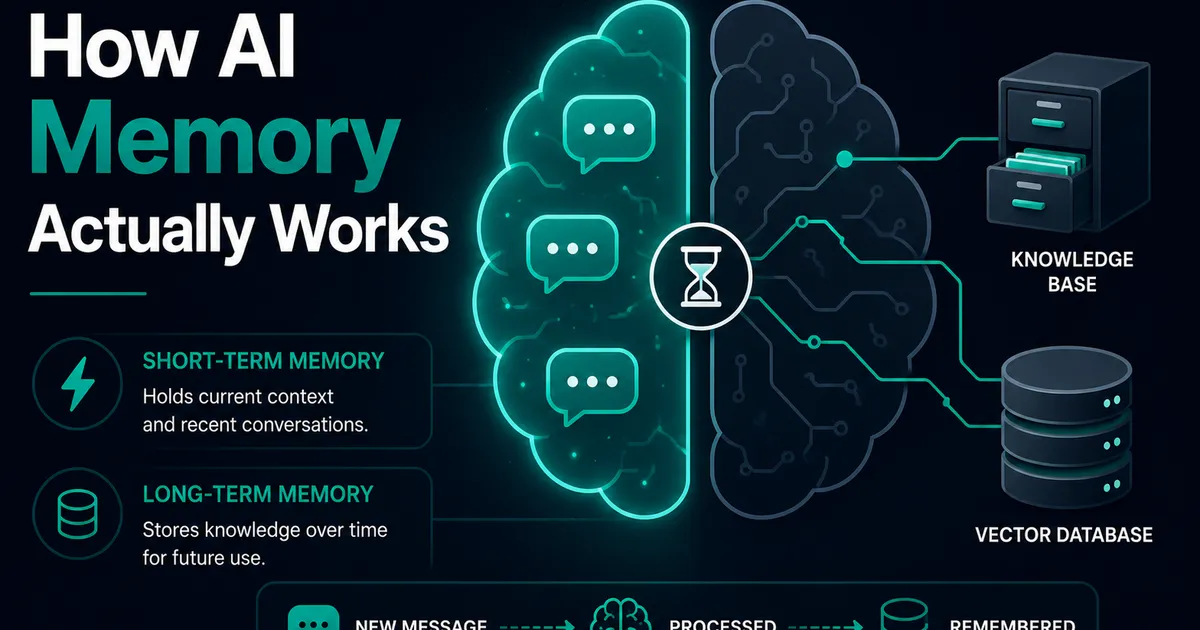
AI Memory Systems: Short-Term vs Long-Term Memory
Every API call meets a total stranger — LLMs remember nothing. How AI memory systems actually work: short-term, long-term, and forgetting.
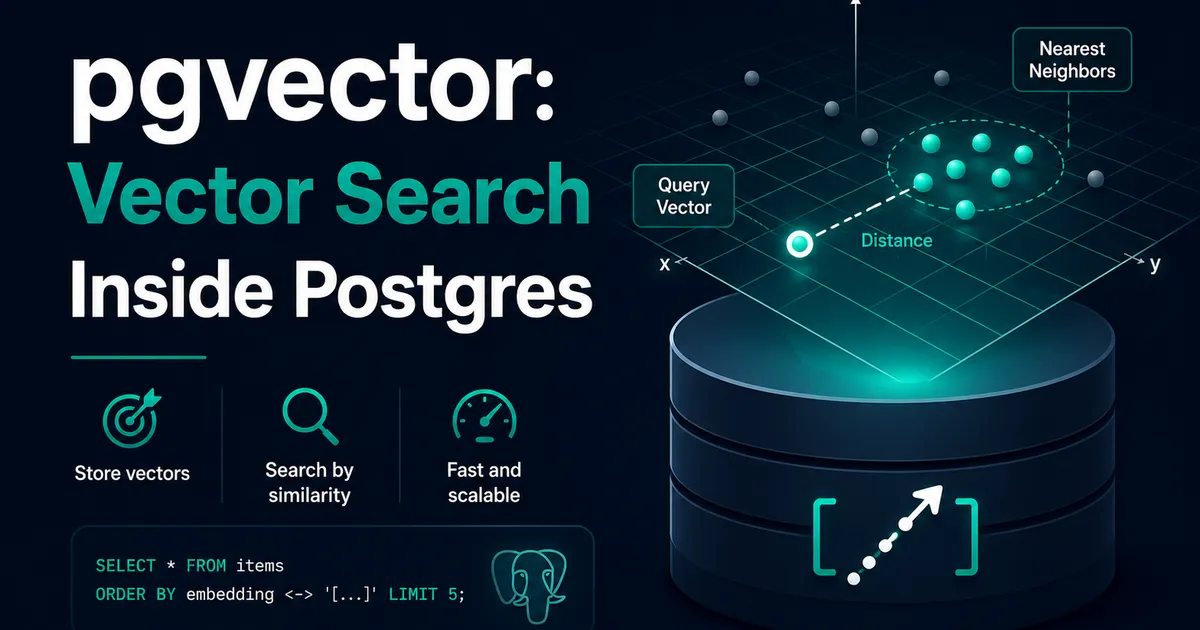
Vector Databases Explained with Supabase pgvector
I almost paid for a dedicated vector database. Turns out Postgres does it. A practical pgvector tutorial with Supabase — setup to indexes.
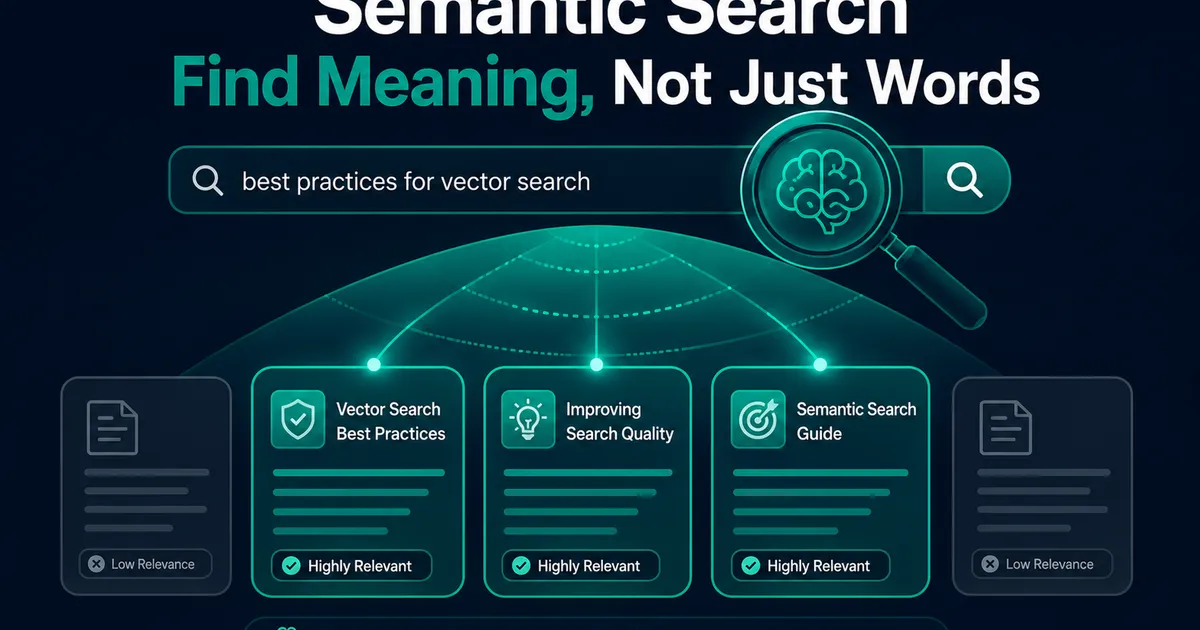
How I Added AI Search to My Next.js Website
Users searched "remove account," my docs said "delete account," search returned nothing. So I added AI semantic search to my Next.js site.