
AI Tool Calling Explained with Real API Examples
The AI never runs your functions — it just asks. A complete AI tool calling tutorial with real OpenAI and Claude API examples and code.
Zeeshan Zakir
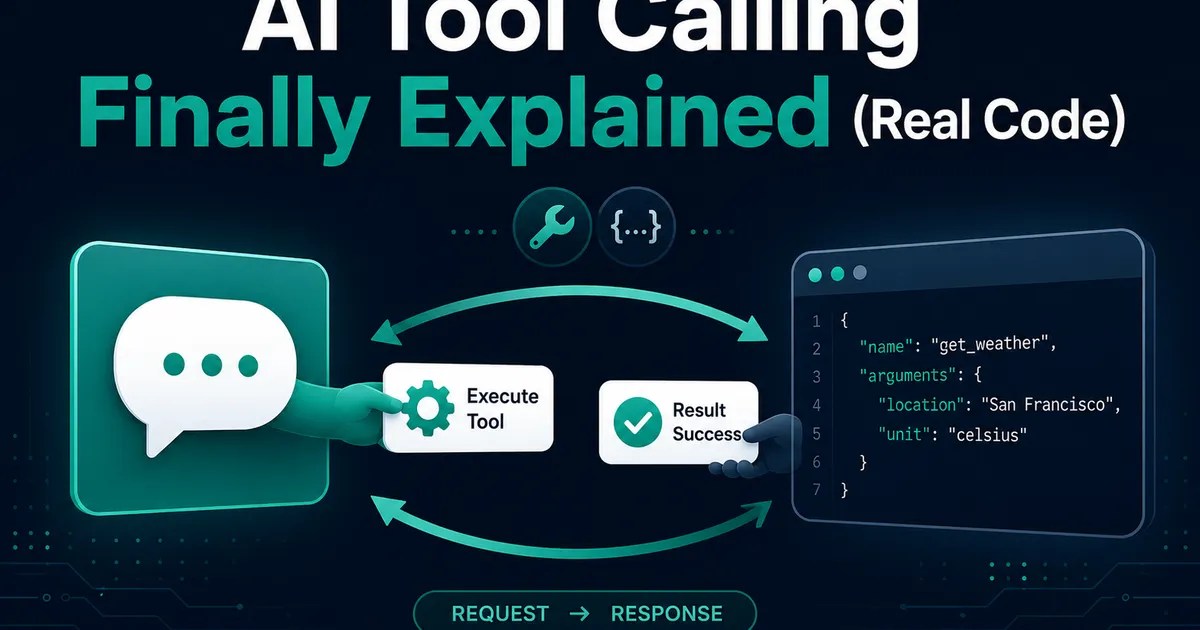
I lost an entire afternoon to a misunderstanding I'm now grateful for, because apparently everyone has it. I'd defined a function, described it to the model, sent my request — and then sat there waiting for the AI to run my function. It didn't. It couldn't. And the docs somehow never said the one sentence that would have saved me:
The model never executes anything. It only asks. Tool calling is the model replying with structured JSON that means "please run lookup_order with these arguments and tell me what happened." Your code does the running. The model does the deciding.
Once that clicked, the whole feature became almost boring in its simplicity. So here's the AI tool calling tutorial I needed that afternoon — the mental model, then real working examples on both major APIs, then the loop that ties it together.
The conversation, spelled out
Every tool-calling interaction is this four-step dance:
1. You → Model:  user question + a menu of available tools
2. Model → You:  "call lookup_order with {order_id: 'ord_2291'}"
3. You → Model:  the function's actual result (you executed it)
4. Model → You:  final answer, written using that result
Steps 2 and 3 can repeat several times before step 4. That's it. That's the entire feature. Everything else is formatting.
Example 1: OpenAI
Using the Chat Completions shape (the Responses API variant differs slightly — I covered it in my agent tutorial). Tools are declared with a JSON Schema:
const tools = [{
  type: 'function',
  function: {
    name: 'lookup_order',
    description:
      'Get status, items and delivery date for an order. Use whenever the user references an order, even vaguely ("my last purchase").',
    parameters: {
      type: 'object',
      properties: {
        order_id: { type: 'string', description: 'Format: ord_XXXX' },
      },
      required: ['order_id'],
    },
  },
}];

const first = await openai.chat.completions.create({
  model: 'gpt-4o-mini',
  messages,
  tools,
});
If the model decides a tool is needed, the reply contains tool_calls instead of normal content:
const call = first.choices[0].message.tool_calls?.[0];
// call.function.name      → "lookup_order"
// call.function.arguments → '{"order_id":"ord_2291"}'  (a STRING — parse it)

const result = await lookupOrder(JSON.parse(call.function.arguments));

messages.push(first.choices[0].message); // the assistant's call, kept in history
messages.push({
  role: 'tool',
  tool_call_id: call.id,
  content: JSON.stringify(result),
});

const final = await openai.chat.completions.create({ model: 'gpt-4o-mini', messages, tools });
Note the arguments field arrives as a string of JSON, not JSON. Everyone trips on that exactly once.
Example 2: Anthropic (Claude)
Same dance, different dialect. The schema key is input_schema, and tool calls arrive as content blocks:
const tools = [{
  name: 'lookup_order',
  description:
    'Get status, items and delivery date for an order. Use whenever the user references an order, even vaguely.',
  input_schema: {
    type: 'object',
    properties: { order_id: { type: 'string' } },
    required: ['order_id'],
  },
}];

const first = await anthropic.messages.create({
  model: 'claude-sonnet-4-5', max_tokens: 1024, messages, tools,
});

// stop_reason === 'tool_use' means Claude is asking
const block = first.content.find((b) => b.type === 'tool_use');
// block.name → "lookup_order",  block.input → { order_id: "ord_2291" }  (already parsed)

messages.push({ role: 'assistant', content: first.content });
messages.push({
  role: 'user',
  content: [{ type: 'tool_result', tool_use_id: block.id, content: JSON.stringify(result) }],
});
The differences that matter: Claude's input comes pre-parsed as an object, the result goes back inside a user message as a tool_result block, and you check stop_reason to know it's asking. Cosmetics aside, it's the same handshake — learn one, you've learned both.
The loop that makes it real
One call-and-response is a demo. Production is a loop, because models chain tools — look up the order, then check the refund policy, then answer:
for (let i = 0; i < 5; i++) {
  const response = await callModel(messages, tools);
  const calls = extractToolCalls(response);
  if (calls.length === 0) return response; // final answer

  for (const call of calls) {
    const result = await execute(call).catch((e) => ({ error: e.message }));
    messages.push(formatToolResult(call, result));
  }
}
Two hard-won details live in those few lines. The iteration cap, because nothing in the model will ever choose to stop retrying a broken tool — I explained what that costs in the agent article. And errors returned as content, not thrown: give the model {"error": "order not found"} and it apologizes gracefully; throw, and your app just breaks mid-conversation.
The three lessons that fix most tool-calling bugs
Descriptions are instructions, not documentation. The single highest-leverage string in the system. "Get order info" produced a model that guessed order IDs. "Use whenever the user references an order, even vaguely" produced one that asks or searches first. When the model uses a tool wrong, edit the description before touching code — it works a shameful percentage of the time.
Never trust the arguments. Model-generated input is user input wearing a suit. I run every call's arguments through a zod schema before execution; the day the model invented a negative quantity, validation caught what my SQL would not have enjoyed.
Fewer tools, better chosen. Past roughly a dozen tools, selection quality visibly degrades. If your list is growing, that's a routing problem — which is exactly where the multi-agent split starts to earn its complexity.
Where this leaves you
Tool calling is the hinge between "chatbot" and "software that does things" — and it's one loop, two message formats, and a handful of discipline rules. The model proposes; your code disposes. Keep that sentence, and the afternoon I lost stays lost for only one of us.
Need help building this?
I offer full-stack development services for startups and product teams.
If you want a faster path from idea to shipped product, I can help with architecture, frontend systems, backend APIs, and launch-ready builds.
View ServicesShare this post
Related posts
More practical reading from the blog to keep your momentum going.
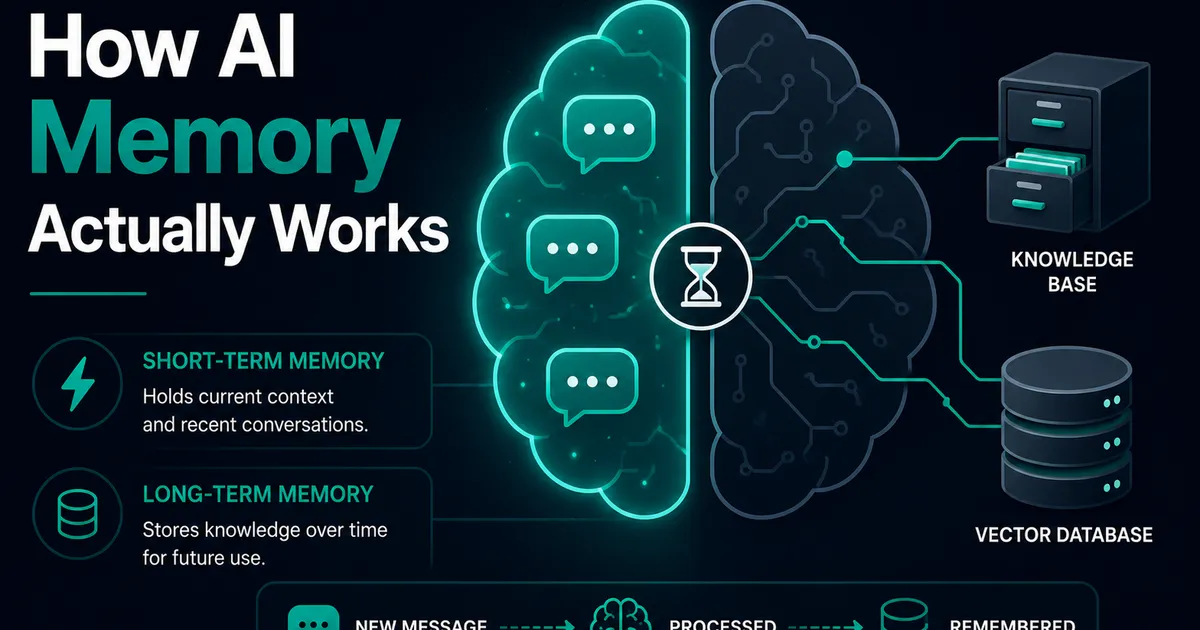
AI Memory Systems: Short-Term vs Long-Term Memory
Every API call meets a total stranger — LLMs remember nothing. How AI memory systems actually work: short-term, long-term, and forgetting.
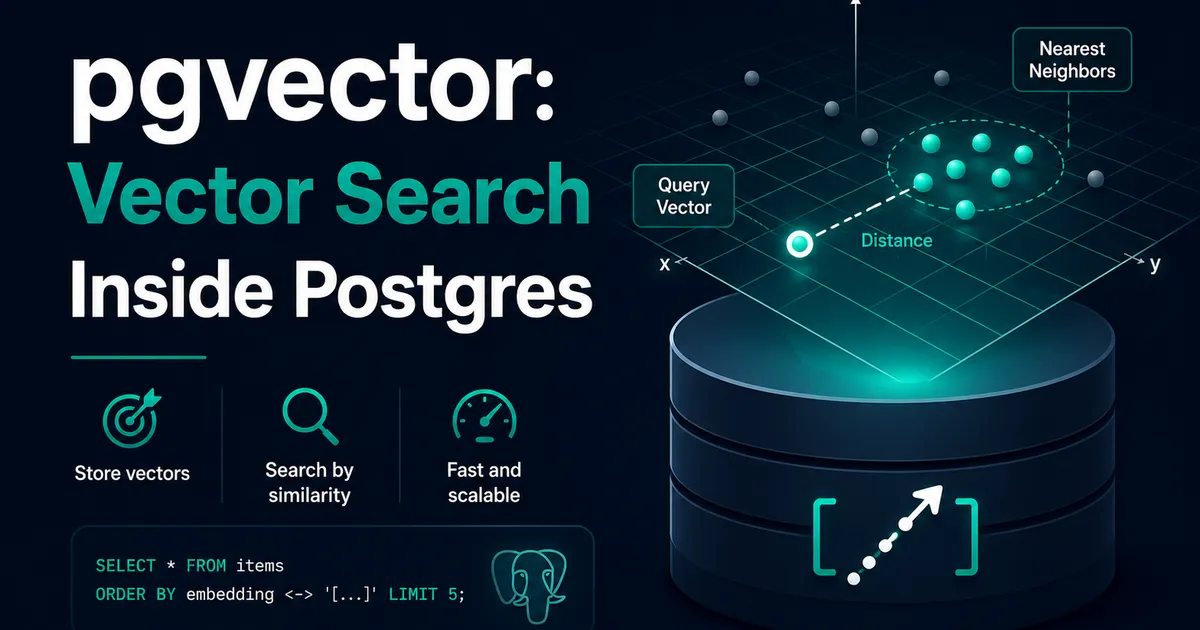
Vector Databases Explained with Supabase pgvector
I almost paid for a dedicated vector database. Turns out Postgres does it. A practical pgvector tutorial with Supabase — setup to indexes.
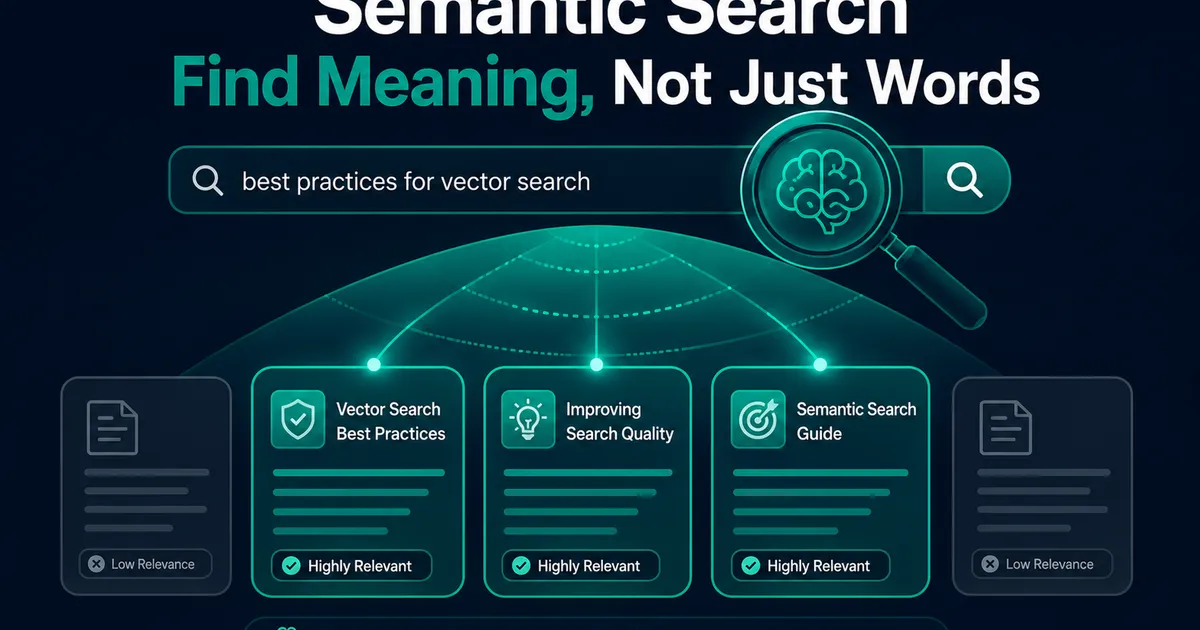
How I Added AI Search to My Next.js Website
Users searched "remove account," my docs said "delete account," search returned nothing. So I added AI semantic search to my Next.js site.